DeepSHPlugins
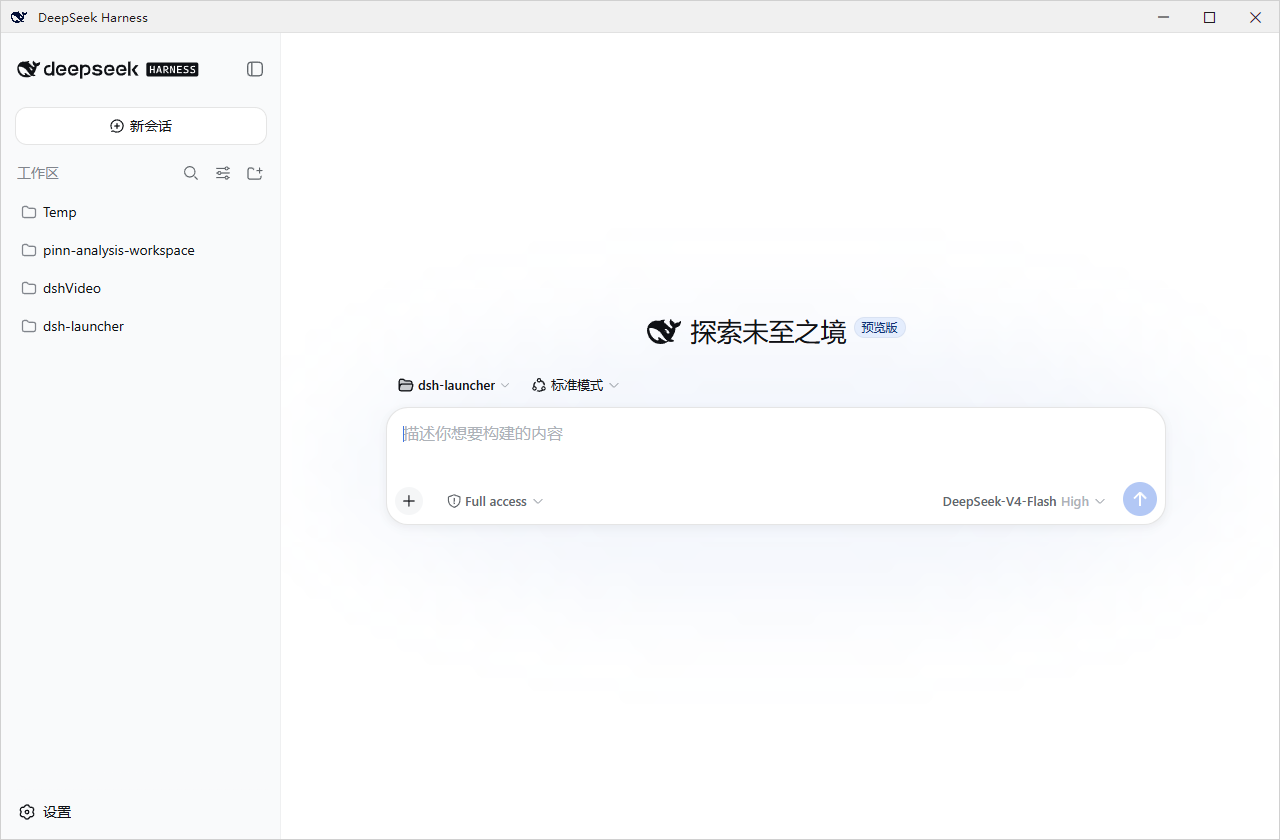
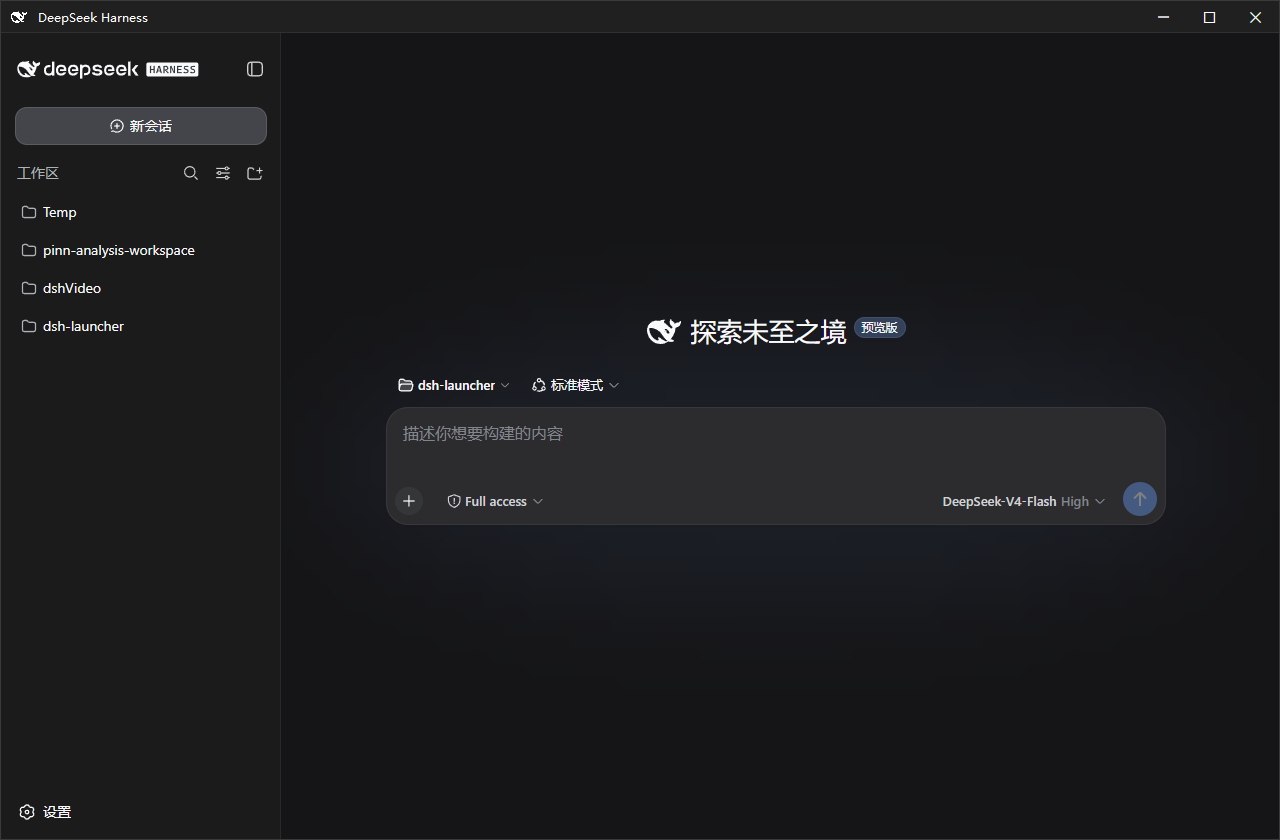
dsh-launcher 项目预览
GITHUB / COMMUNITY PROJECT

dsh-launcher

Clients & TerminalsC#MIT

A lightweight Windows launcher for DSH: silent auto-start after login plus a minimal WebView2 window instead of a full browser.

199 StarsRuler4396 Updated 2026-09-09
Open GitHub repository
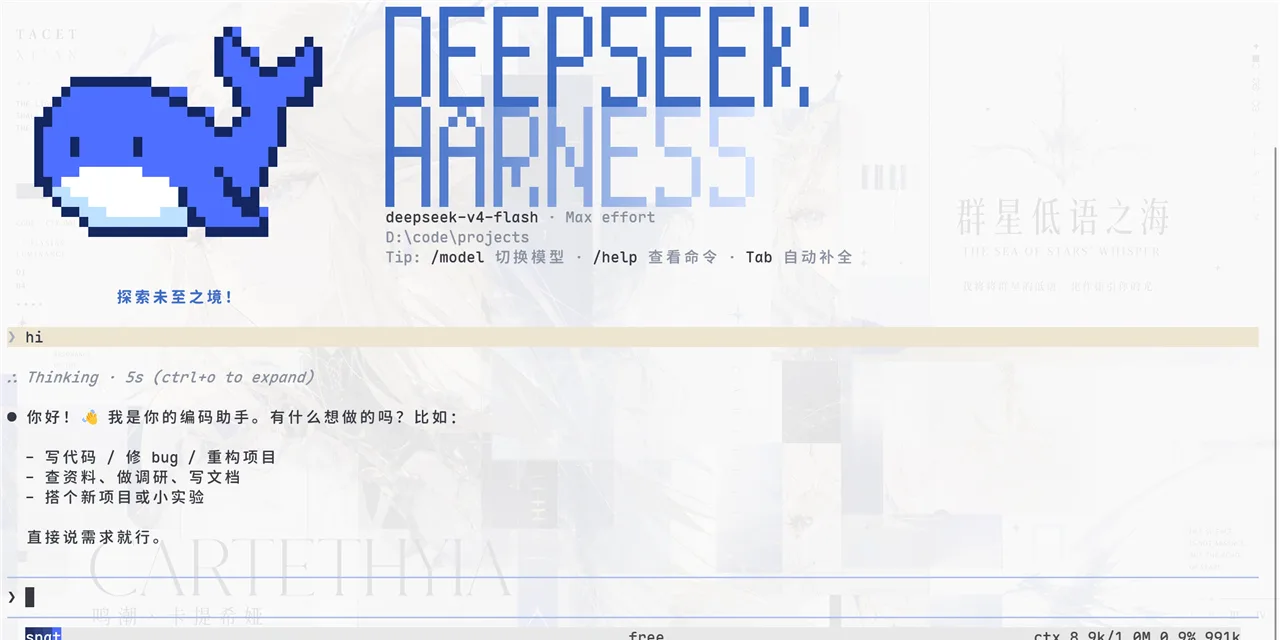
dsh-launcher 项目预览
dsh-launcher 界面截图dsh-launcher 界面截图

About this project

Chinese

A lightweight Windows launcher for DSH: silent auto-start after login plus a minimal WebView2 window instead of a full browser.

English

A lightweight Windows launcher for DSH: silent auto-start after login plus a minimal WebView2 window instead of a full browser.

Project details & listing signals

Snapshot 2026-09-11
Creator / organization
Ruler4396
Repository
Ruler4396/dsh-launcher
GitHub Stars
199
Forks
6
Programming language
C#
License
MIT
Last push
2026-09-09
Manifest
Not detected / not recorded

A public repository does not automatically permit commercial use. Check the project's license and compatibility. Manifests and catalog scores are not security certifications.

Catalog score

78/ 100
Maintenance activity
99
Documentation & practical information
74
Community interest
68
Installation signals
55
Project declarations
100

近 2 天仍在更新。

Scores use five dimensions of the catalog snapshot. They are browsing aids, not hands-on reviews or security assessments.

Install & use

The respective GitHub repositories define project information and licensing.

git clone https://github.com/Ruler4396/dsh-launcher.git

Copying a command does not execute it. Read the repository documentation and check requirements and licensing first.

Project screenshots

Repository README

GitHub 原文

Saved repository documentation. Its capture date was not recorded and it may differ from the catalog description. Check the current repository before installing.

Repository documentation is preserved in its original language.

dsh-launcher

English · 简体中文

build release license

DeepSeek Harness 的 Windows 轻量启动器:双击即用,不用敲命令。
浅色模式深色模式
浅色模式深色模式

这是什么

一个 Windows 原生壳:双击启动 DeepSeek Harness(dsh)、可设置开机自启,高度重视服务生命周期与出错诊断。安装包大小仅为 ~1.4MB,不内置 dsh;缺失的依赖(Node.js 等)按需补齐,不改动系统环境。

克制:本项目意在打造一个舒适的 dsh 原版体验,不添加文件面板、内置终端等额外功能,一切交给dsh的插件,由用户自行决定。仅在推出安全性更新和dsh版本更新时弹出系统通知。

安装

MSI(推荐新手):从 Releases 下载 dsh-launcher-<版本>.msi,双击安装(向导里可勾选开机自启)。卸载:设置 → 应用 → dsh-launcher。

便携版 ZIP:下载 dsh-launcher-windows-<版本>.zip,解压后双击 DshWeb.exe;删文件夹即卸载。

双击没反应?先运行解压目录里的 check-prereq.cmd,它会检测 .NET / WebView2 / Node 并给出缺失项的安装命令。

特性

  • 开机自启 · 独立小窗口(WebView2)· 自动拉起服务并等待就绪
  • 出错弹窗带错误码,统一日志 ~/.dsh\dsh-launcher\dsh.log
  • DshWeb.exe --diagnose 一键导出信息脱敏诊断包
  • 服务生命周期:跟随窗口 / 常驻 / 托盘驻留(见下"插件")
  • 主题跟随 · 窗口位置记忆 · dsh 延迟更新(不打断会话)

配套插件

安装 dsh-launcher-lifetime 后,拥有三种node.js的驻留模式(随窗口驻留、常驻、随托盘驻留),可在 dsh 设置页“Node服务驻留”中切换:

dsh plugin --profile web add dsh-launcher-lifetime

常见问题

  • MSI 和 ZIP 有区别吗? 内容相同;MSI 有标准安装/卸载流程。
  • 卸载会删 dsh 数据和插件吗? 不会——只清启动器自有数据,profiles/、settings.yaml 等原样保留。
  • 服务占内存? dsh 是完整服务,必须常驻node.js。
  • 端口 3080 被占用? 设置 DSH_WEB_PORT=3090 后重启。
  • 遇到问题? 运行 check-prereq.cmd;仍不行用 DshWeb.exe --diagnose 导出诊断包,提交至 Issue(模板)。日志在 ~/.dsh\dsh-launcher\dsh.log。

更多

技术实现 / 安全 / 构建:docs/DETAILS.md · 更新日志:CHANGELOG.md

面向开发者 / AI Agent(必读):修改代码前,请先阅读架构与工程维护铁律(Hard Constraints)→ docs/00-ARCHITECTURE-GUARDRAILS-MANDATORY.md,并遵守 AGENTS.md 中的合规清单。违反铁律的提交会被 Code Review 驳回或 CI 拦截。

免责声明

独立的第三方工具,与 DeepSeek / DeepSeek AI 官方无关。窗口图标使用 DeepSeek 品牌标识,版权归 DeepSeek 所有。

许可证

MIT © dsh-launcher contributors

友情链接

dsh.so security featured on dsh-suite

Before you begin

Check the current repository for installation, compatible versions and licensing. Stars and catalog scores are snapshot-based browsing signals.

Installation & troubleshooting · 项目问题反馈

Related projects