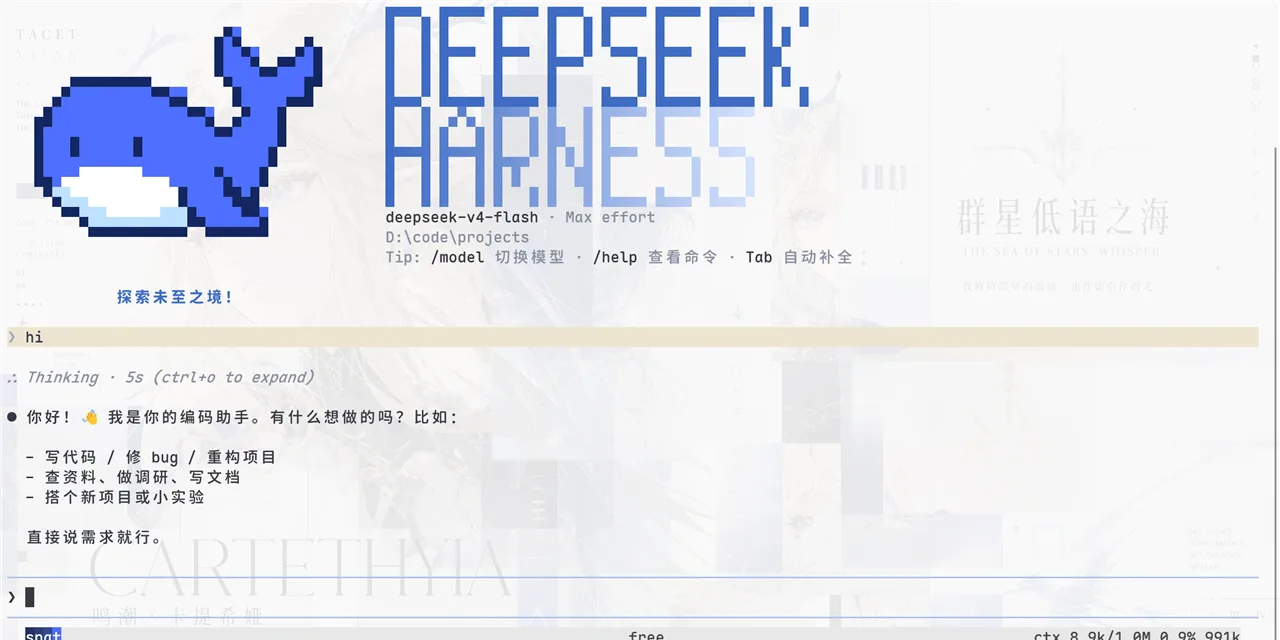
dsh-on-iMessage
Chat with your local DeepSeek Harness (dsh) agents from your iPhone, right inside the Messages app — no extra apps, no servers, no cloud.








中文版请阅读 README.zh.md.
Turn your Mac into a 24/7 dsh companion that lives in your iMessage threads. Send a message to your bridge account and your local dsh agent picks it up, switches workspaces/sessions, runs tools, and replies back — all without opening a terminal.
Why This Exists
- You already live in iMessage; dsh lives on your Mac.
- SSH from your phone is clunky. Web UIs need ports/VPNs. Telegram/WeChat need third-party platforms.
- iMessage is already on every iPhone, end-to-end encrypted, and works offline-first.
This bridge gives you a real chat experience: white bubbles from dsh, blue bubbles from you, one-to-one.
Features
- Chat with dsh from iMessage — send any message, get the agent's reply.
- Workspace switching —
dsh,dsh use stockKing,dsh use 2. - Session switching —
dsh sessions stockKing,dsh use stockKing 0. - New sessions —
dsh new <message>. - Web UI sync — when dsh web is running, messages go through its local API so your browser stays in sync.
- Safe by default — strict sender whitelist; nobody else can trigger your agent.
- Bilingual replies — follows your Mac's language (or
DSH_BRIDGE_LANG=en|zh). - Zero third-party services — everything stays on your Mac and Apple's iMessage.
Requirements
- macOS with Messages (iMessage) and a second Apple ID for the bridge account (recommended, avoids self-chat duplication).
- DeepSeek Harness installed (this is the
dshagent). - Python 3.9+ (stdlib only for the bridge).
Install
Option A — as a dsh plugin (recommended)
This repo is a standard DeepSeek Harness plugin bundle, so it can be installed with one command:
dsh plugin --profile web add github:yuunnn/dsh-on-imessageThen set the required environment variables in the shell that starts dsh web:
export DSH_BUDDY="+861234567890"             # your iPhone number
export DSH_AUTHORIZED_FROM="+861234567890"   # sender whitelist
export DSH_BRIDGE_ACCOUNT="E:[email protected]" # the second Apple ID signed into Messages
Restart dsh web. The plugin starts bridge.py automatically when the dsh profile boots.
If pnpm asks to allow build scripts, adddsh-on-imessage: trueto the profile'spnpm-workspace.yaml— this package has no build step, so this is usually not needed.
Option B — standalone daemon
Paste this into your Mac terminal:
curl -fsSL https://raw.githubusercontent.com/yuunnn/dsh-on-imessage/main/install.sh | bashThat's it. The installer clones this repo into ~/.dsh/bridges/imessage, starts the daemon, and prints the next steps, including signing in to a second Apple ID in Messages.
The installer only needsgitandpython3. Everything else is already on your Mac.
DSH_BIN (optional): if your dsh CLI is not on PATH and not in the npx cache, set the environment variable to its entry point, e.g. export DSH_BIN="$HOME/deepseek-harness/apps/cli/lib/bin.js".
Setup
- Create a second Apple ID (e.g.
[email protected]) at appleid.apple.com. This becomes the "dsh persona". - Sign in to that account in Mac Messages (Messages > Settings > iMessage).
- Set the bridge configuration. The bridge reads these from the environment:
DSH_BUDDY= your iPhone number, e.g.+861234567890DSH_AUTHORIZED_FROM= your iPhone number (or the email you reply from)DSH_BRIDGE_ACCOUNT= the iMessage account the bridge listens on, e.g.E:[email protected]
- Restart the daemon:
pkill -f bridge.py; DSH_BUDDY="+861234567890" DSH_AUTHORIZED_FROM="+861234567890" DSH_BRIDGE_ACCOUNT="E:[email protected]" ~/.dsh/bridges/imessage/install.sh- Text your bridge account from your iPhone. It replies with
dshhelp.
Usage
| Command | Meaning | ||
|---|---|---|---|
dsh | List workspaces | ||
| `dsh use <id\ | path\ | name>` | Switch workspace (latest session) |
| `dsh use <id\ | path\ | name> <session#>` | Switch workspace + specific session |
dsh sessions [<workspace>] | List sessions | ||
dsh new <message> | Start a new session | ||
| anything else | Continue the current session |
Workspaces are matched by index, full path, or basename — exact match wins, ambiguous matches list candidates.
Architecture
iPhone iMessage
   │  (send to [email protected])
   ▼
Mac Messages (chat.db + osascript)
   │
   ▼
bridge.py (poll new messages)
   │
   ├── dsh web API (127.0.0.1:3080)  ──► dsh web UI stays in sync
   └── dsh --profile headless --resume (fallback)
   │
   ▼
reply via Messages back to iPhone
Security
- Sender whitelist: only
AUTHORIZED_FROMhandles are processed. - Account isolation: only messages addressed to the bridge account are processed.
- Local-only: no public servers, no telemetry, no cloud.
- You can keep using iMessage for personal memos; those go to a different thread and are ignored.
FAQ
Why a second Apple ID? iMessage treats messages between addresses of the same Apple ID as self-chat, which duplicates bubbles. A separate Apple ID gives a clean one-to-one conversation.
Do I need the dsh web UI running? No. The bridge falls back to the headless CLI if the web process is not listening.
Can other people trigger it? No. Only your whitelisted handle(s) can.
License
Apache-2.0. See LICENSE.