dsh-theme-mineradio

English | 中文
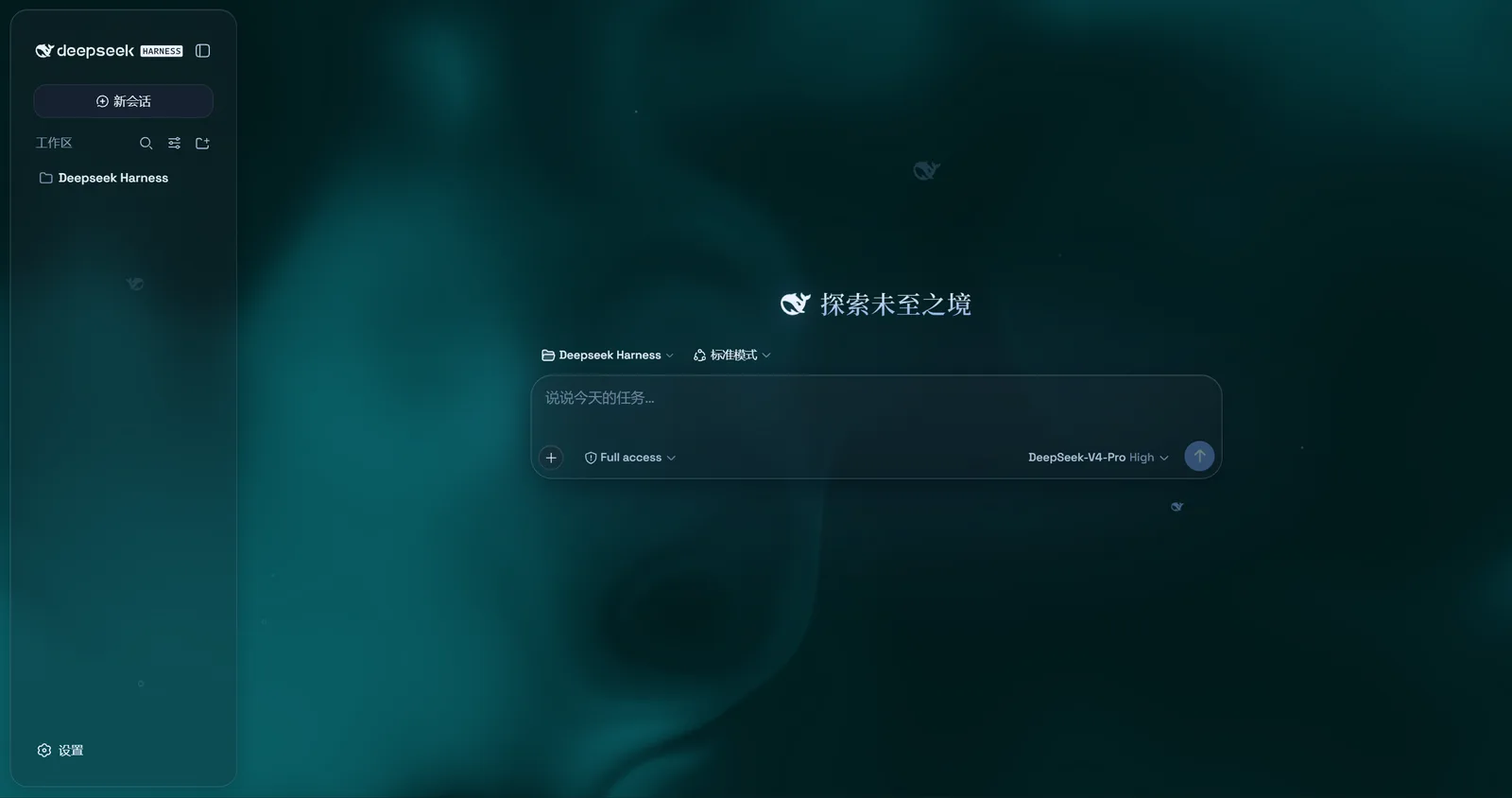
Mineradio is a cinematic glassmorphism theme for the DeepSeek Harness web UI — a faithful re-skin of the Mineradio "private visual radio" identity. The header, sidebar, composer, stats line, and trajectory view become panes of warm champagne glass over a near-black studio backdrop. You can put a video as wallpaper and switch it off and the stock UI comes back exactly, with no source changes to DSH itself.
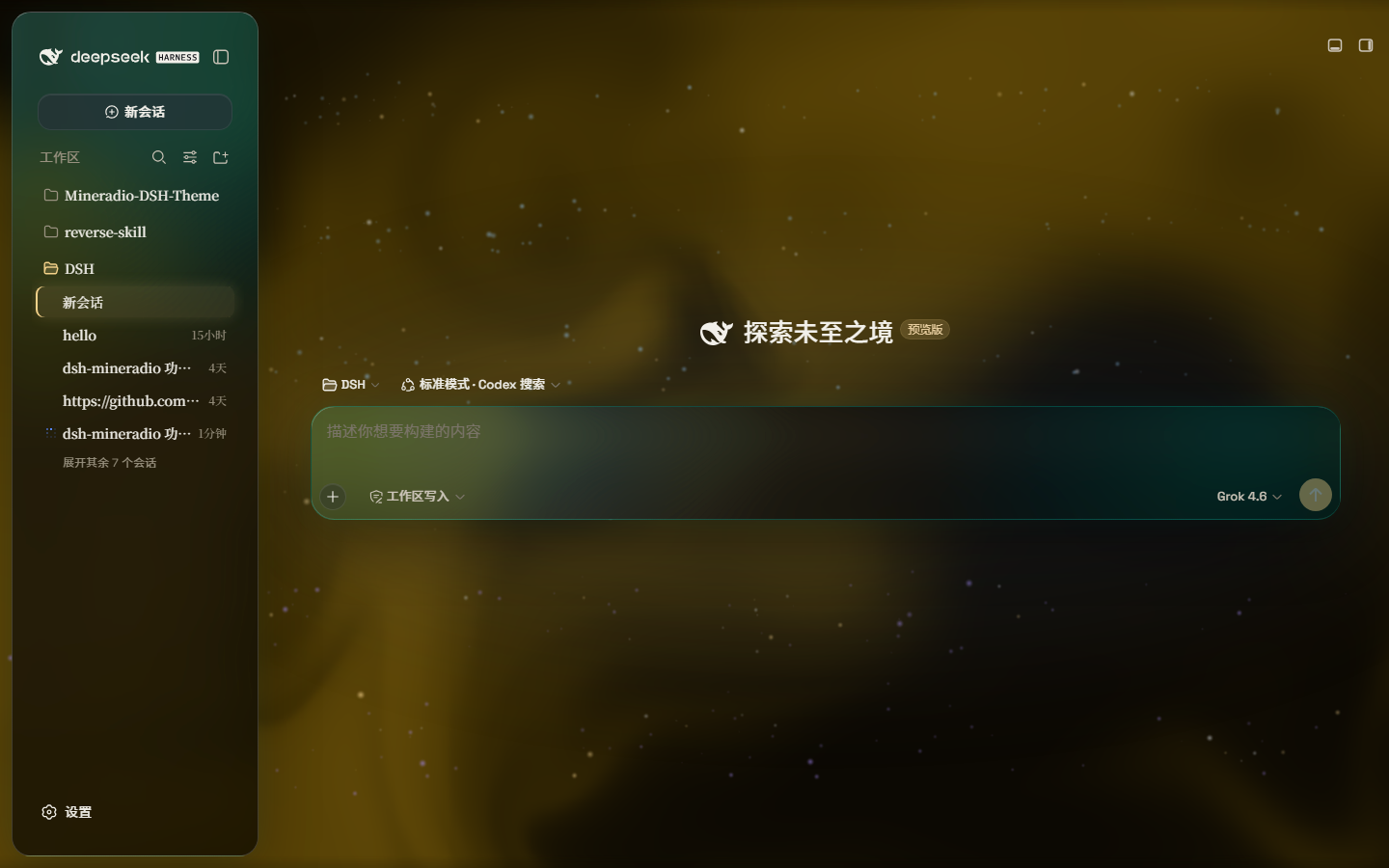
Dark studio: teal glass over a champagne pour. The prompt floats in the liquid.
Screenshots
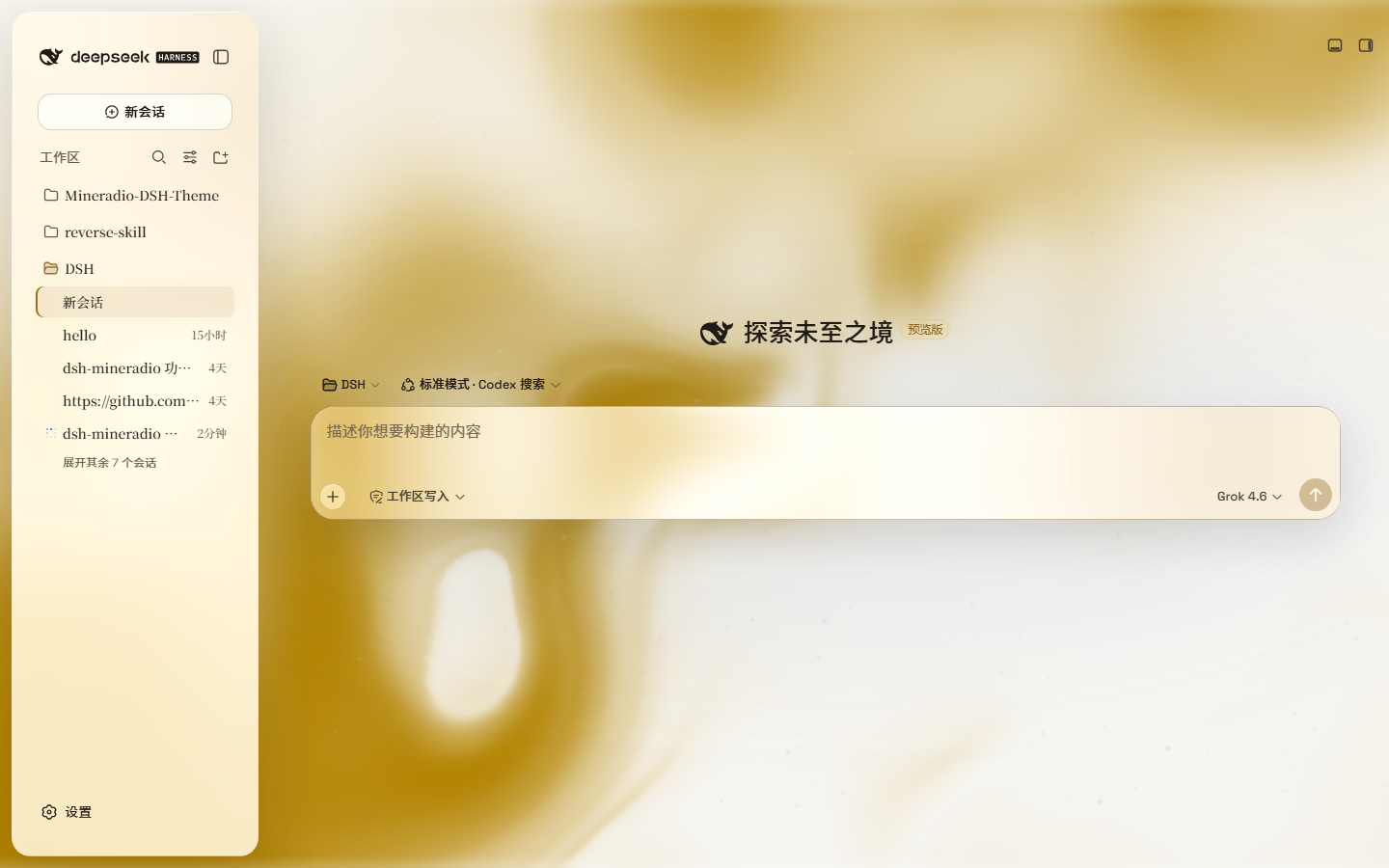
Live captures of 2.2.x on DeepSeek Harness — hero, paper-white, and the Looks panel (scenes / performance / mica):
| Dark studio | Light paper |
|---|---|
|  |
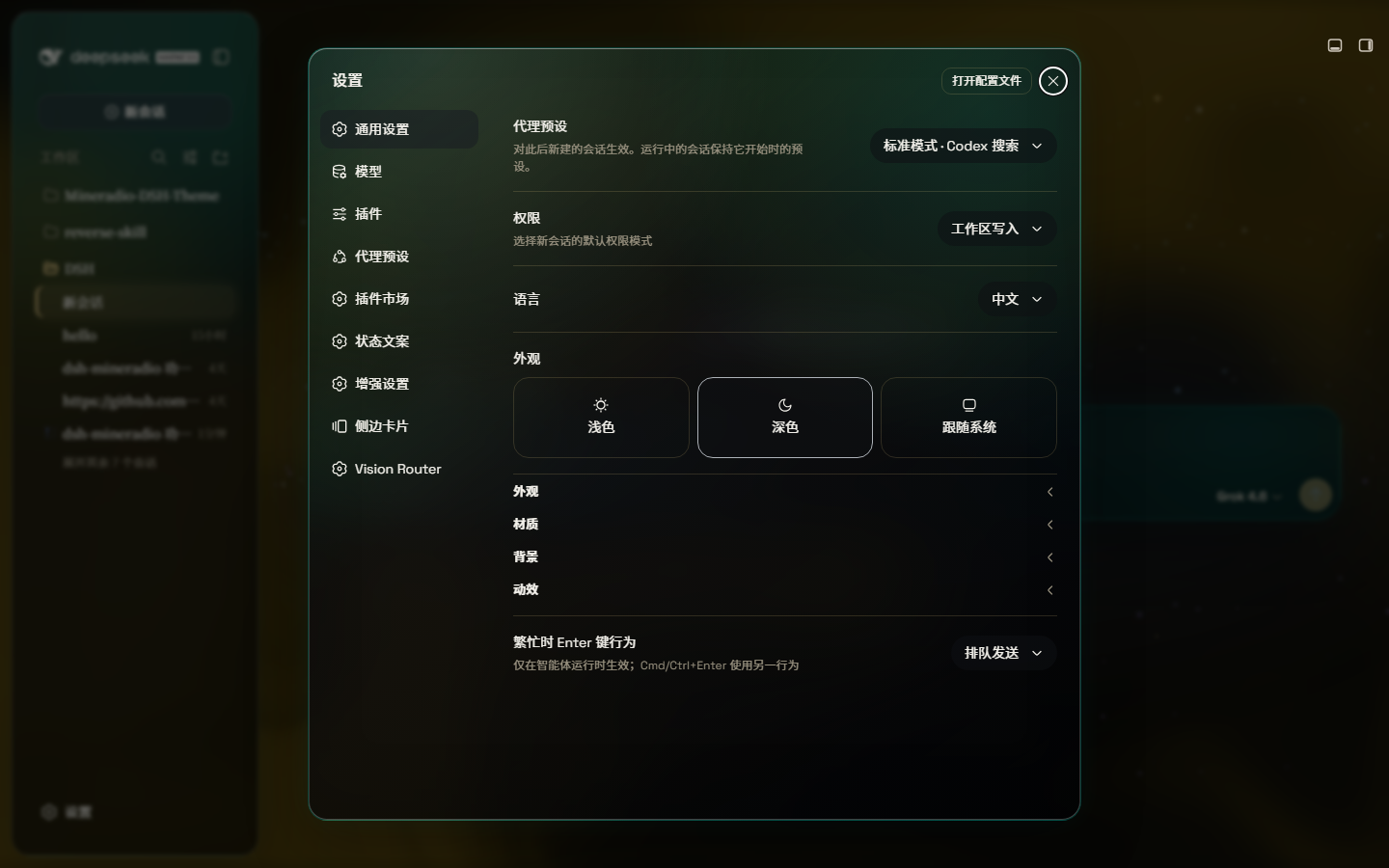
Looks: Studio / Deep sea / Midnight / Mist / Rainbow, plus Performance / Balanced / Vivid — one click, same glass family.
A full-size gallery is also hosted at https://dhicoc.github.io/dsh-theme-mineradio/.
What ports from Mineradio
- Champagne-gold identity — the signature palette (
#f4d28achampagne,#7ad7c2mint,#ff5367ember rose over a warm near-black#08090B) drives every alias token: surfaces, hairline strokes, text ink, buttons, scrollbars, and warm-tinted shadows with a gold bloom. - Typography — Inter + Noto Sans SC for the UI, self-hosted so there's no shell/fontsource dependency.
- Cinematic glow — a champagne-gold ambient bloom sits behind the glass; the spotlight hue knob sweeps it from warm amber to mint while keeping the brand warm.
- Fluid backdrop — a living fluid board (hue + depth adjustable, defaults to warm gold) or your own wallpaper (image or video) with its own blur and frost.
Features
- Two modes: Mica restyles the layout into floating glass cards (blur and frost adjustable), while Compatibility Mode keeps the stock layout byte-for-byte and only swaps the material to generic glass — other plugins' UI gets the same treatment automatically
- Free backdrop: a living fluid board (hue adjustable) or your own wallpaper (fills the page, aspect preserved, with its own blur and frost); light wallpapers look best in light mode, dark wallpapers in dark mode
- Background brightness: follows the resolved scheme — dark mode darkens (0–50), light mode brightens (50–100), 50 is unchanged
- Ambient decor: particle whale in the chat center, star particles, and an interactive dot-grid mesh — all toggleable
- Champagne glow: a pointer-tracking glow over the glass panes, plus a hover press-down for tactile depth
- One switch: off restores the stock UI exactly, and every effect is removed with the plugin
Installation
Windows (one command)
powershell -ExecutionPolicy Bypass -Command "Invoke-WebRequest 'https://github.com/dhicoc/dsh-theme-mineradio/raw/main/install.ps1' -OutFile install.ps1; .\install.ps1"Installs the latest release by default. No git needed — the installer falls back to a plain zip download. It links the plugin into the profile's node_modules and registers ui-mineradio in cordis.patch.yml (idempotent — safe to run again). Reload the web UI and it is on.
Pin a version or track the dev branch:
.\install.ps1 -Version 'v1.0.0'   # a specific release
.\install.ps1 -Version 'main'     # the development branch
Plugin market / npm (recommended)
dsh plugin --profile web add dsh-theme-mineradioOr search dsh-theme-mineradio in Settings → Plugin market. That installs the prebuilt npm package (lib/ already bundled). There is no prepare / postinstall script.
From 2.3.6 the theme probes the host at load: it uses @deepseek-ai/dsh-client-runtime when present (DSH 0.1.1-rc.2+) and falls back to @deepseek-ai/dsh-client-store (DSH Desktop 0.7.x / 0.1.2-alpha.1). Do not pin 2.3.1 for old desktops and 2.3.5 for new ones — one latest build runs on both.
Do not install with github:dhicoc/dsh-theme-mineradio or dsh plugin add https://github.com/dhicoc/dsh-theme-mineradio. A git / tarball spec makes pnpm block "build scripts", and market updates then fail. If you already have the git spec, switch to npm:
dsh plugin --profile web add dsh-theme-mineradio@latestThe dsh.bundle manifest registers ui-mineradio automatically, so no manual patch is needed. (The installer adds this equivalent entry for source installs:)
- insert:
    - id: ui-mineradio
      name: 'dsh-theme-mineradio'
Restart the web UI. To turn it off: Settings → Plugins → Mineradio.
License
MIT. Mineradio visual identity (palette, typography, glow aesthetic) is a faithful re-skin of the Mineradio project by XxHuberrr, whose original is licensed GPL-3.0.