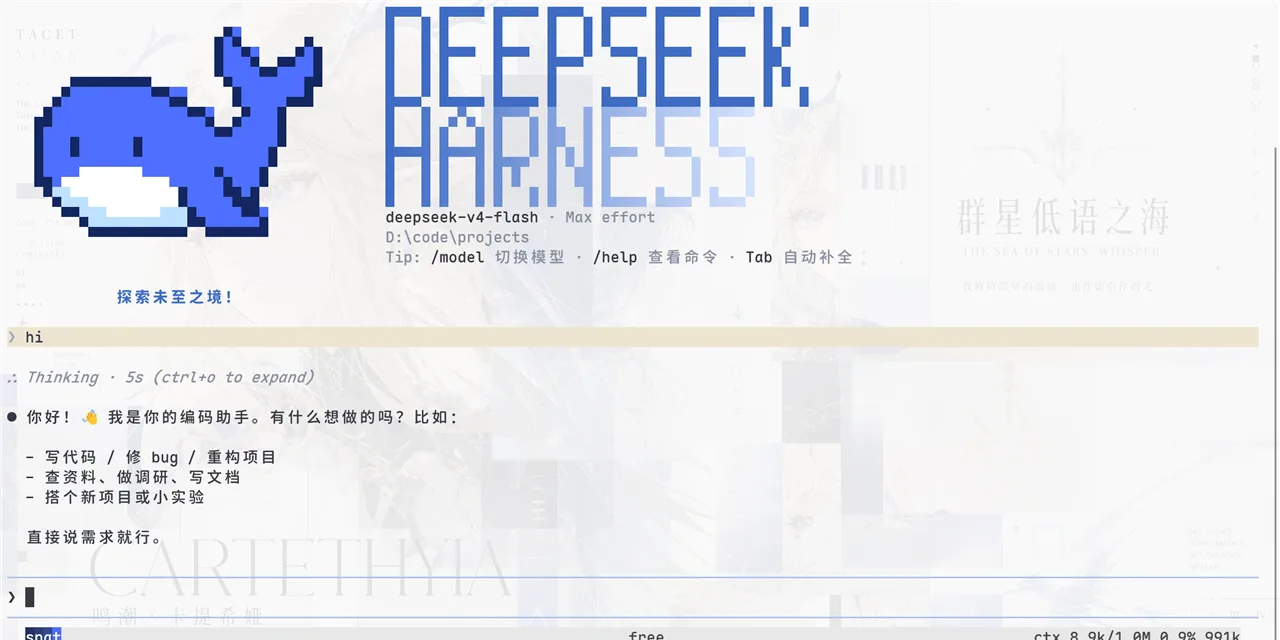
dsh-desktop

 [
 ]() [
 ]()
English | 中文
A desktop shell (Electron) for the DeepSeek Harness Web GUI (dsh web, served at 127.0.0.1:3080 by default). Grab-and-go: download the packaged app, launch it — if dsh isn't present, it auto-installs. No system Node.js required (uses Electron's built-in runtime).
Features
- 🚀 Zero-config startup — auto-locates or auto-installs
dsh(@deepseek-ai/dsh); no prerequisites beyond Node.js - 🖥️ Native desktop experience — standalone window + macOS menu-bar tray (hide-to-tray on close; show/hide/quit from the tray)
- 🔄 Smart server management — reuses an existing
dsh webinstance; spawns a server when none is running; stops the server it started when the app quits - 🐋 Official DeepSeek icon — app and tray icons use the official whale mark
- 📦 One-command packaging — electron-builder produces
.app/ dmg / zip for macOS and an NSIS installer + zip for Windows
How it works
npm start first runs scripts/ensure-dsh.js:
- Locate
dsh(resolveDshBin, in order):DSH_BINenv var →dshonPATH→~/.npm/_npx/*/node_modules/.bin/dsh→ common install locations → project-localvendor/dsh - No
dsh? Auto-install (ensureDshBin): runsnpm install --prefix vendor/dsh @deepseek-ai/dshinto the project — no global install, no dependence on the user'sPATH(first run takes ~1–2 min) - Probe
127.0.0.1:3080— an existing instance (started by CLI or this app) is reused; otherwise a resident server is spawned (detached, logs tologs/) and the app waits until the port is ready before opening the window.
The Electron process is a pure client: it loads the page and owns the tray. Quitting the app stops the dsh web server it started (tracked via logs/dsh-web.pid, with a command-line sanity check to avoid killing a reused pid). An externally started instance — e.g. one launched from a terminal — is left untouched.
Running electron . directly (npm run start:raw, skipping the preflight) still triggers the same locate/install/spawn fallback from the main process.
Getting started
cd dsh-desktop
npm install        # installs Electron (downloads binary)
npm start          # locate/install dsh → ensure server → open the app
Pin a specific dsh binary: DSH_BIN=/path/to/dsh npm start.Install output goes to your terminal duringvendor/dshsetup; runtime logs live inlogs/dsh-web.{stdout,stderr}.log.
Known environment quirks (seen on some machines)
~/.npmcache owned by root breaksnpm installwithEPERM. Workaround:
npm install --cache /path/to/writable/npm-cache
- Electron's binary download writes to
~/Library/Caches/electronby default; if that's not writable, point it elsewhere with
electron_config_cache (note: this is the variable install.js reads — not ELECTRON_CACHE): electron_config_cache=/path/to/.electron-cache node node_modules/electron/install.js
None of these matter for a normal npm start.
Packaging
npm run dist        # macOS: dmg + zip
npm run dist:win    # Windows: NSIS installer + zip (cross-compile from macOS)
npm run dist:all    # both
Notes:
- For everyday use just
npm start. - Released builds do not bundle
vendor/dsh(it's large); the target machine auto-installs it on firstnpm start.
For a fully offline, self-contained build, ship vendor/dsh via extraResources and point DSH_BIN at process.resourcesPath in the main process.
Project layout
dsh-desktop/
├── package.json          # deps, start/dist scripts, build config
├── scripts/
│   ├── ensure-dsh.js     # preflight: locate/install dsh → probe 3080 → spawn resident server
│   └── dsh-server-lib.js # shared logic: dsh locate/install, port probe, readiness wait, spawn
├── electron/
│   ├── main.js           # main process: fallback locate/install/spawn, window, tray
│   └── preload.js        # minimal preload bridge (read-only version info)
├── vendor/dsh/           # auto-installed dsh (created on first start; safe to delete)
├── logs/                 # dsh web logs & pid (runtime)
├── build/                # app icons (icon.icns, icon.ico, icon.png)
└── release/              # packaging output (electron-builder)
License
MIT © 2026 tiankunrui